Crop every image accurately
Process a whole folder at once while analysing each PNG individually, so icons, stickers, logos, sprites, and cut-outs are trimmed to their own visible artwork.
Coming soon for macOS
Trim transparent padding from a whole folder of PNGs in one pass.
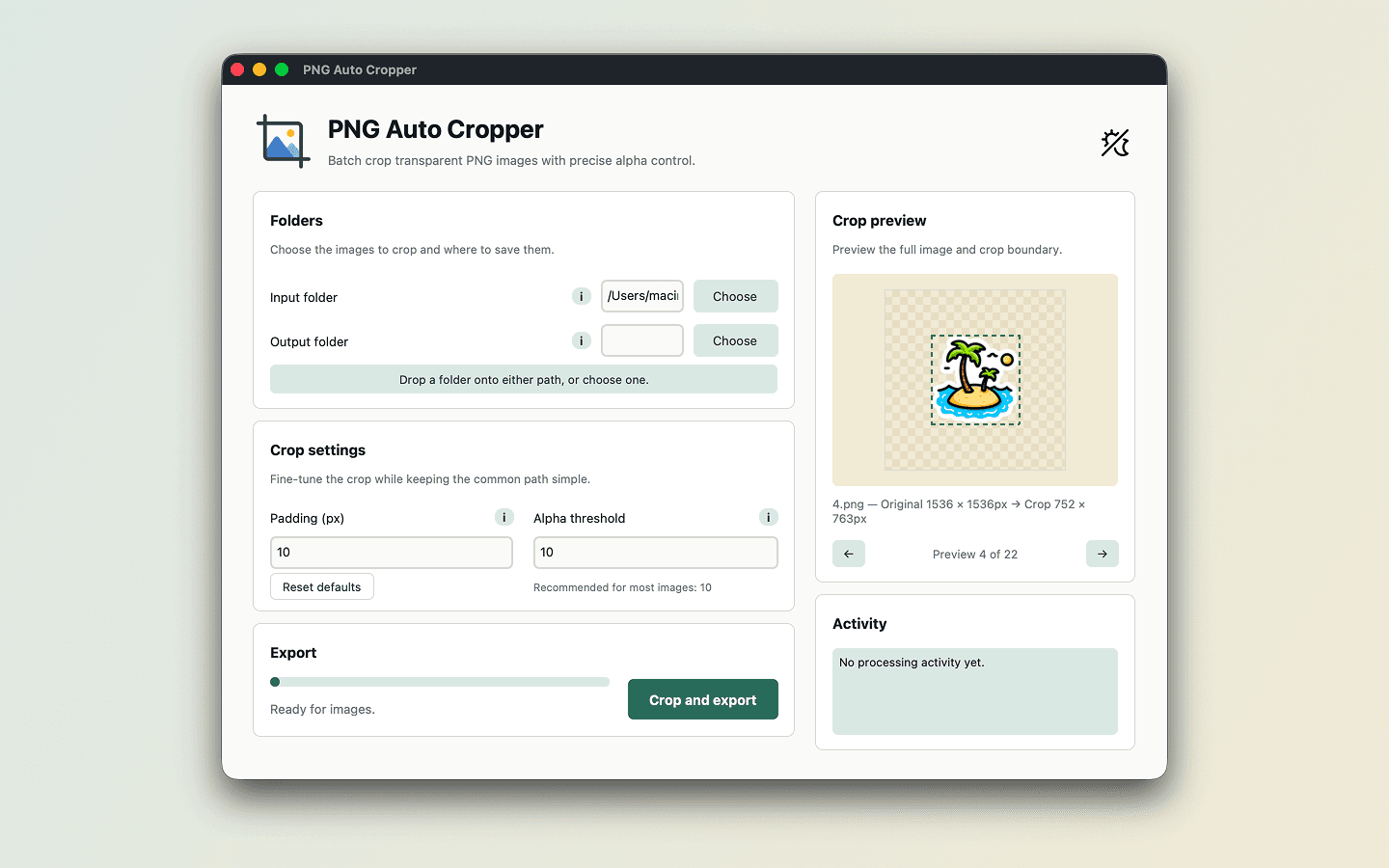
Every image is analysed individually and cropped to the true bounds of its visible content, giving differently shaped assets an accurate result without forcing them into one fixed crop.
Built for batches
Process a whole folder at once while analysing each PNG individually, so icons, stickers, logos, sprites, and cut-outs are trimmed to their own visible artwork.
Add consistent padding to every crop and adjust the alpha threshold to remove faint transparent halos around image edges.
Compare original and cropped dimensions before exporting to a separate folder. Originals stay untouched, with collision-safe filenames preventing accidental overwrites.
A simple workflow
Keep the common path quick, with precise controls ready when an image needs a little more care.
Pick a folder of PNGs and a separate destination for the cropped files.
Choose your padding and alpha threshold, then preview the result for each image.
Crop every PNG in one pass while leaving the original files exactly as they are.
Private by default
PNG Auto Cropper works locally. There is no account to create, nothing to upload, and no internet connection is needed to process your images.